CRM
Leads, opportunities, accounts, activities and campaigns.
Business Solutions
Sales, invoicing, finance, projects, people, property, content and correspondence — connected apps that share one set of customers, products and settings. In Arabic and English.
Request a demo Explore the apps
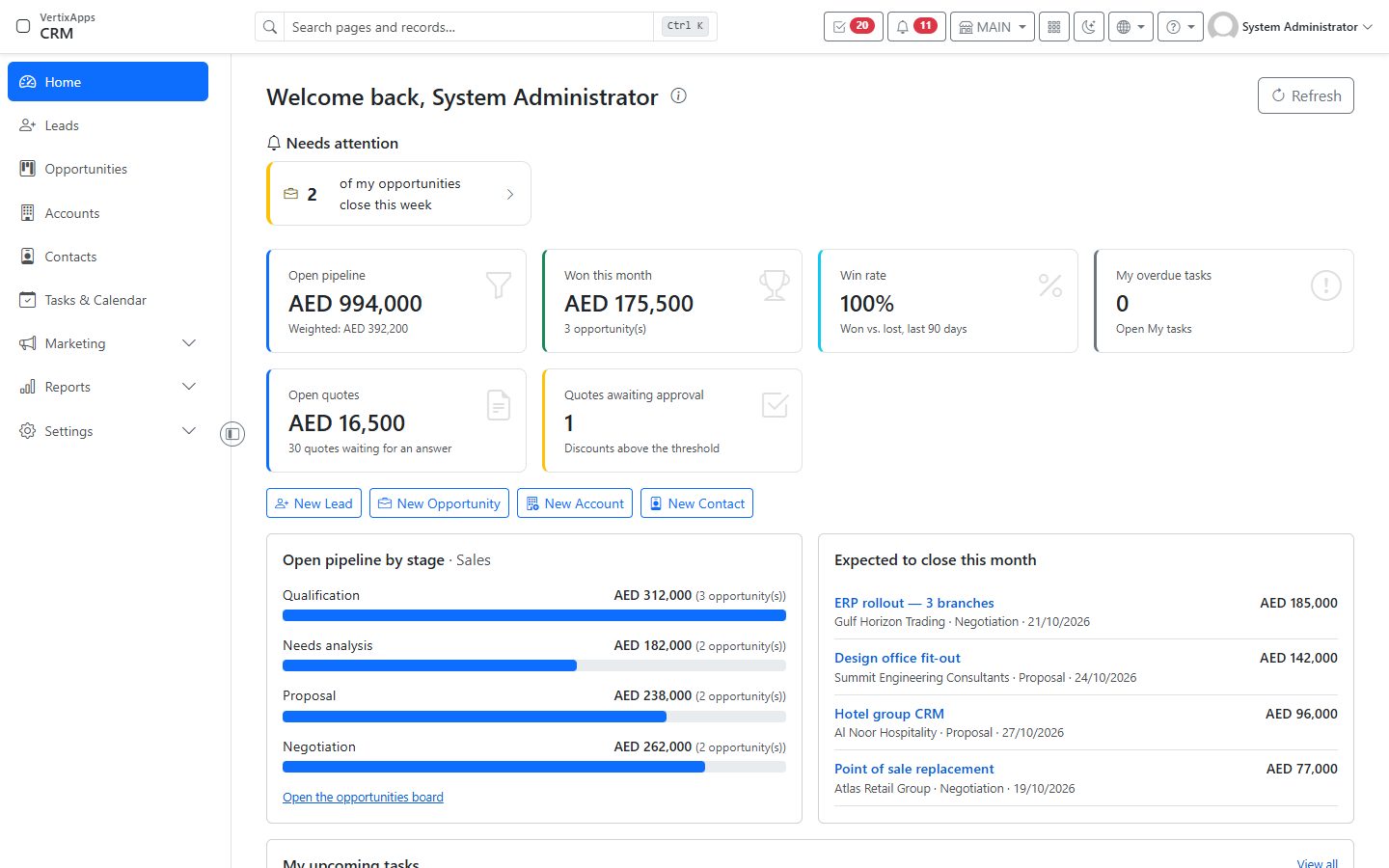
Each organization picks its apps; every app shares the same contacts, products, tax settings and users.
Leads, opportunities, accounts, activities and campaigns.
Quotes, orders, invoices, payments, subscriptions and reminders.
Projects, tasks, milestones, timesheets and project profit.
Accounting, purchasing, inventory, expenses, fixed assets and VAT.
Employees, leave, recruitment, performance and payroll.
Properties, units, leases, rent, deposits and maintenance.
Your website's pages, products, services and news.
Incoming, outgoing and internal letters and memos.
Organization Settings, Contacts and the Portal — included with every organization.
A customer, a product or a tax code exists once. A quote from CRM becomes an invoice in Invoicing and a posting in the accounts — without exports or double entry.
Every screen, document and report in both languages, with full right-to-left layout. Each user picks their language.
Each organization runs in its own isolated environment with its own databases, on its own address, with its own sign-in page and branding.
Every page works in the browser on any device — no installation for your staff.
Roles and permissions decide who opens which app and who can create, approve or post. Approvals follow your rules.
System Readiness shows what is set up and what is missing in each app; the go-live checklist guides the move of your data.
We set up your own environment with the apps you choose.
System Readiness walks you through each app's settings.
The go-live checklist and import move your data from the old system.
Your team signs in on your own branded page and starts working.
Tell us which apps you need — we will show you around and set up your own environment.